

Your referral programme is slick and simple to manage, but pulling the data to prove it’s working? Not so much. Log in, find the report, set the dates, export it. By the time you're done, the moment to act has passed.
The Mention Me MCP removes those steps entirely. It connects your referral data directly to Claude and other AI assistants, so you can ask plain-English questions and get instant answers, no dashboard needed.
What is it, what can you ask it, and how do you get started? This article covers everything: how to connect it, what it can do, and what's still on the roadmap.
The short version
-
The Mention Me MCP connects your referral data to Claude and other AI assistants.
-
Ask questions in plain English and get instant answers, without logging into a dashboard.
-
It’s read-only and uses aggregate reporting data only - no personal or customer data.
-
Available now to Mention Me customers. Two-minute setup.
What is the Mention Me MCP?
The Mention Me MCP is a connector that links your Mention Me referral data to Claude and other AI assistants, so you can ask about your referral performance in plain English and get answers instantly.
Think of it as a direct line between your referral programme and the AI tools you already work in. Instead of logging in, building a report, and exporting the numbers, you ask the question and the answer comes back.
In one line: the Mention Me MCP brings your referral data into your AI assistant.
How does the Mention Me MCP work?
Here is how it works, step by step:
-
You connect the Mention Me MCP to Claude with a one-time, secure sign-in to your Mention Me account.
-
You ask a question about your referral performance in plain English.
-
The connector reads the relevant reporting data from Mention Me.
-
Claude returns the answer: a number, a trend, or a comparison, and can summarise it for you.
Nothing runs on its own. Every answer is a response to a question you have asked. The Mention Me MCP is even more helpful when used alongside the Mention Me reporting skill, which gives your AI assistant deeper context about your programme and unlocks richer, more precise answers.
What can you ask the Mention Me MCP?
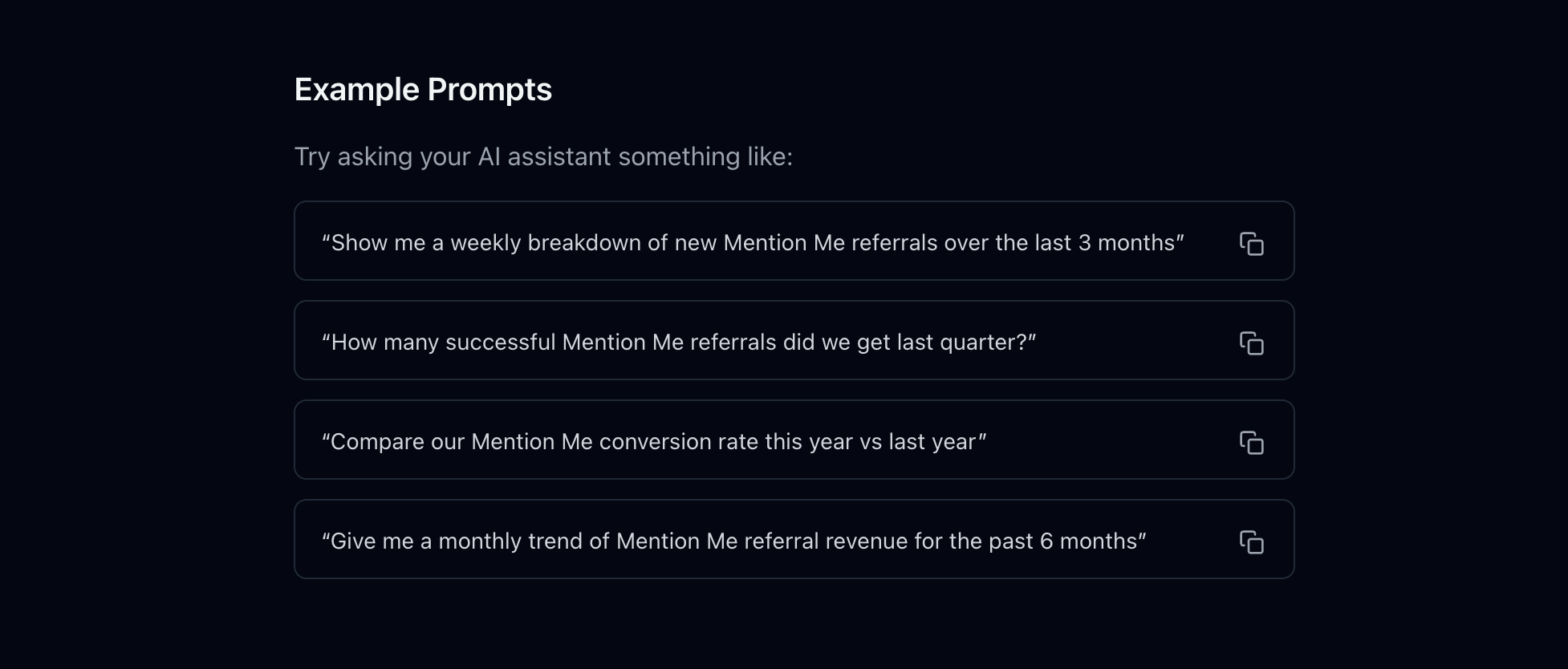
You can ask about any of your referral performance metrics. It’s especially good at seeing performance at a glance, digging into trends over time, and comparing across periods.
|
What you want to know |
Ask something like |
What you get back |
|---|---|---|
|
Performance at a glance |
"How many successful Mention Me referrals did we get last quarter?" |
A clear headline number for the period |
|
Trends over time |
"Show me a weekly breakdown of new referrals over the last 3 months." |
A week-by-week view you can scan |
|
Comparisons across periods |
"Compare our conversion rate this year vs last year." |
A side-by-side with the change called out |
|
Revenue trends |
"Give me a monthly trend of referral revenue for the past 6 months." |
A month-by-month revenue picture |
|
Benchmarking |
"How do we benchmark against others in our vertical?" |
Where you sit against your peer group |
How to connect the Mention Me MCP
Setup takes about two minutes. In Claude:
-
Open Connectors and choose Add custom connector.
-
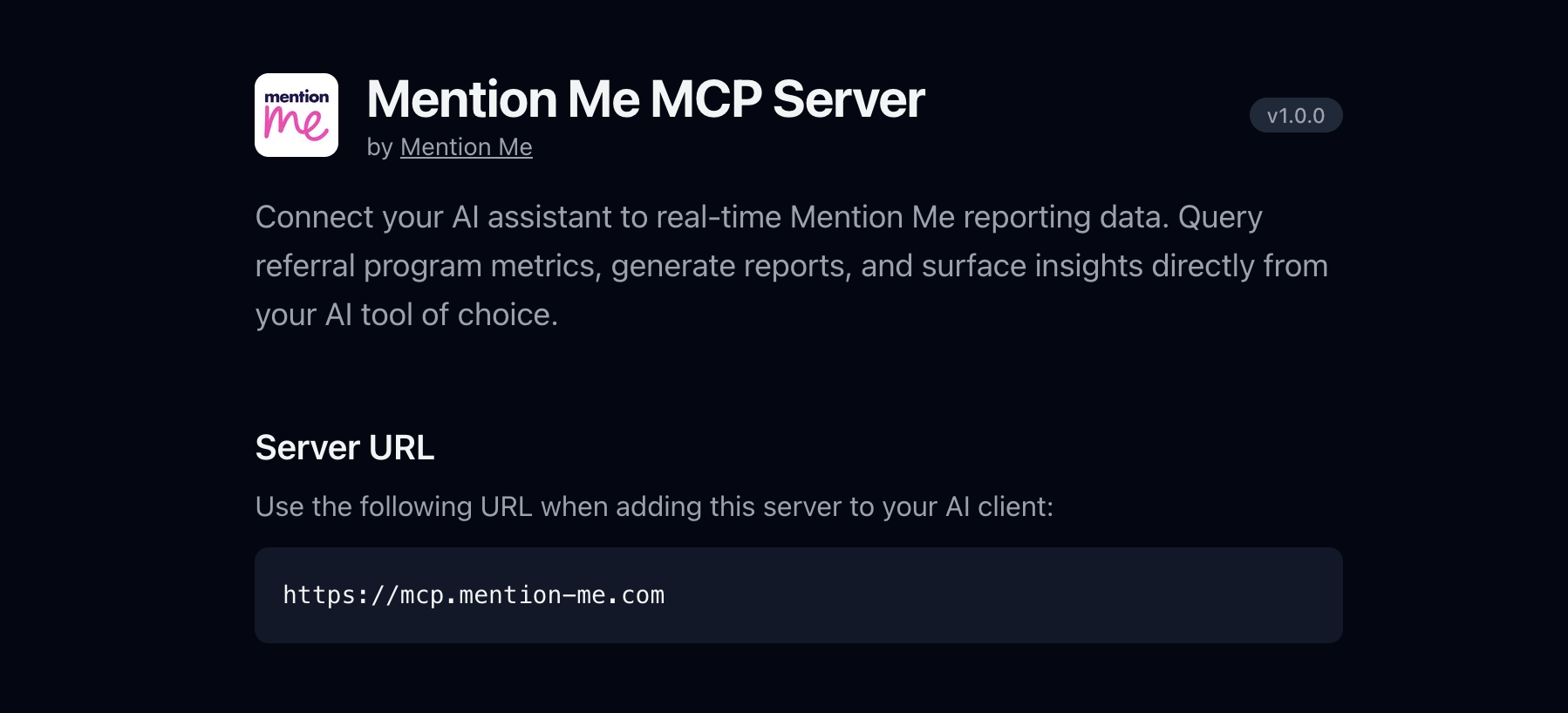
Name it Mention Me and paste in the server URL: https://mcp.mention-me.com
-
Sign in with your Mention Me account when prompted.
Using Claude Code, Cursor, VS Code, Windsurf, or another AI tool? Step-by-step setup for every client is at mcp.mention-me.com/setup. You’ll need an active Mention Me account to connect.
Why do marketers use the Mention Me MCP?
The Mention Me MCP turns "I'll pull that and come back to you" into "here it is." The benefits show up in the everyday:
-
Answers in seconds, not half a day. No report queue or analyst bottleneck.
-
No dashboard login- the numbers come to you, in the tool you're already using.
-
Plain English in, clear answer out. Ask the way you'd ask a colleague.
-
Self-serve the moment you're asked. Pull live numbers when a stakeholder fires off a question.
-
Stay in flow, drafting the board update and grabbing the supporting numbers in one place.
-
Deeper answers with the reporting skill. Pair the MCP with the Mention Me reporting skill for more precise, context-aware responses.
Less time gathering numbers, more time acting on them.
Is the Mention Me MCP secure?
Yes. The Mention Me MCP is read-only, which means it can look at your data but never change it. A few simple guardrails sit behind it:
-
Read-only: it can read and summarise your reporting data, but cannot create, edit, or delete anything.
-
No personal data: it uses aggregate reporting and campaign data only, never customer PII or individual contact details.
-
It only acts when you ask: every answer responds to a question you have typed. Nothing runs automatically.
-
Secure sign-in: you connect through a standard browser sign-in to your own Mention Me account, with no API keys to manage or share.
It’s a window into numbers you already own, opened only when you ask. That also makes it a summary you can hand straight to your legal or security team.
What the Mention Me MCP can't do (yet)
The Mention Me MCP is built for insight, not action. Today, it doesn’t recommend strategy, make changes to your campaigns, or take actions inside the Mention Me platform.
It answers "what's happening?" rather than "what should I do about it?", and that’s deliberate. Keeping it read-only and insight-only is what makes it simple to trust. It’s the first step in bringing Mention Me and AI closer together, with more on the way.
Conclusion
Your referral numbers are only useful when you can actually reach them. The Mention Me MCP closes the gap between a question and its answer: no dashboard, export, or waiting around. Connect it once, ask in plain English, and get instant insight on the performance you’re already driving.
FAQs
Do I need a Mention Me account to use it?
Yes. The Mention Me MCP is available to active Mention Me customers and connects to your own referral data.
Does it only work with Claude?
No. Claude is the simplest place to start, but the Mention Me MCP works with any AI assistant that supports connectors, including Claude Code, Cursor, VS Code, and Windsurf.
Can it change my referral programme or campaigns?
No. The Mention Me MCP is read-only. It can read and summarise your data, but it cannot edit, create, delete, or take any action.
Does it access customer or personal data?
No. It uses aggregate reporting and campaign data only, never customer PII or individual contact details.
How long does setup take?
About two minutes. Add the connector, sign in with your Mention Me account, and start asking questions.
What kinds of questions can I ask?
Anything about your referral performance: volumes, conversion rates, revenue trends, breakdowns by day, week, or month, and comparisons across periods.
Where can I find setup instructions?
At mcp.mention-me.com/setup, with step-by-step guides for each AI tool.
Dan Barraclough
Read more >
Share:




.png)
Table of contents
Share: